
| Summary |
|---|
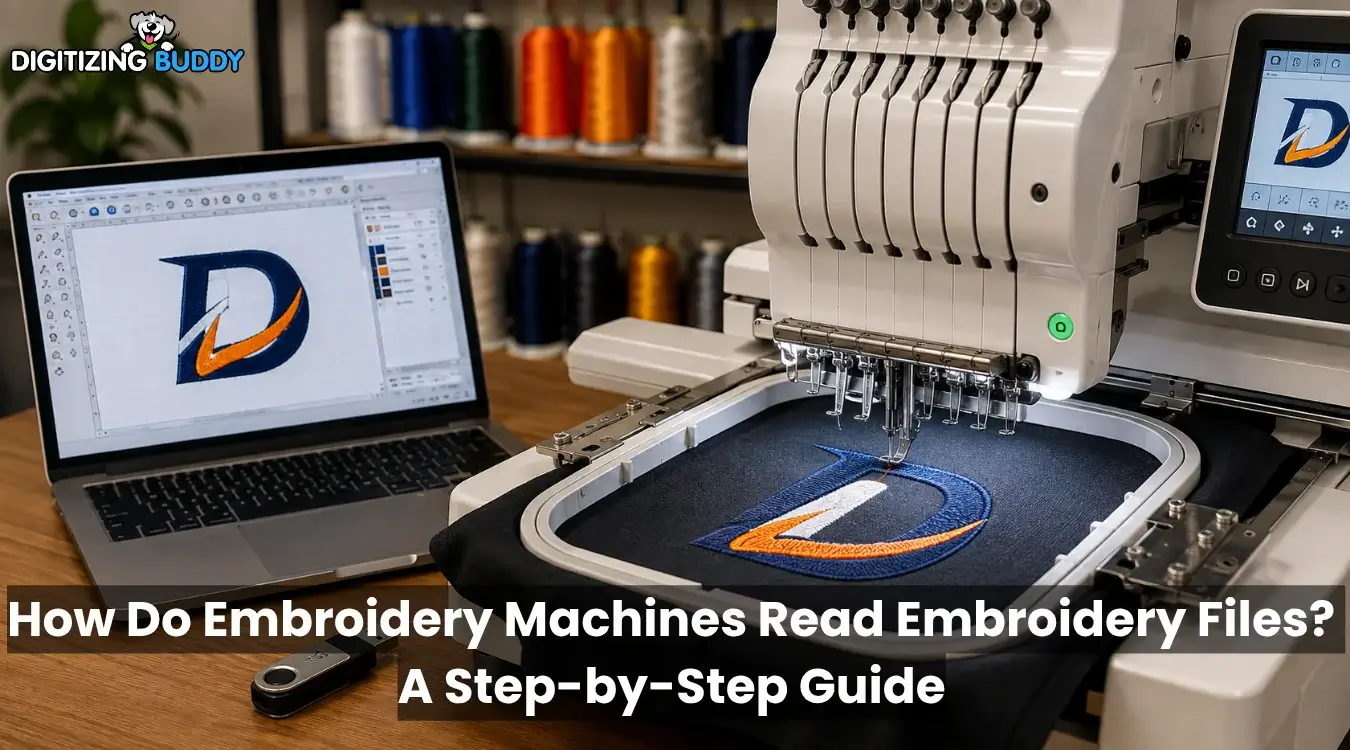
Embroidery machines turn coded stitch instructions into controlled needle and hoop movements.
|
An embroidery machine cannot look at a JPG or PNG logo and decide how to stitch it. It needs a digitized file with stitch coordinates, color changes, trims, and other machine commands.
The process starts with artwork, moves through digitizing software, and becomes a machine-ready file. The machine then reads each command from memory and turns it into precise needle and hoop movements.
For clean, machine-ready results, Digitizing Buddy offers trusted embroidery digitizing support for smoother and more accurate stitching.
- Quick Answer: How Does an Embroidery Machine Read an Embroidery File?
- What Does an Embroidery Machine Actually Read?
- How Does Artwork Become a Machine-Readable Embroidery File?
- How Do Embroidery Machines Read Embroidery Files Step by Step?
- What Information Is Stored Inside an Embroidery File?
- Does the Embroidery Machine Know the Correct Thread Colors?
- Why Do Embroidery Machines Use Different File Formats?
- Why Won’t My Embroidery Machine Read the File?
- Why Can a Readable File Still Produce Poor Embroidery?
Quick Answer: How Does an Embroidery Machine Read an Embroidery File?
An embroidery machine reads a digitized file as a set of stitch movements and machine commands. It checks whether the file format matches the machine, then follows each instruction in order. As the design runs, the hoop or frame moves across the X and Y axes while the needle forms every stitch in the planned sequence.
What Does an Embroidery Machine Actually Read?
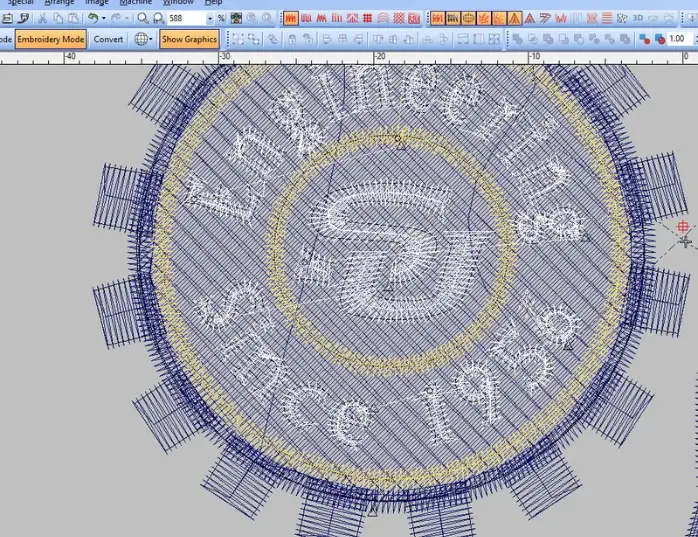
An embroidery machine reads coded stitch instructions, not the artwork itself. JPG and PNG files store images as pixels, while SVG and AI files use shapes and paths. These graphic files still need embroidery digitizing before a machine can stitch them.
Native embroidery files may keep editable objects, outlines, colors, stitch settings, and other design details. However, machine files such as EXP, DST, and PES mainly carry the finished stitch path and control functions. Each format stores and organizes this data differently.
What Is an Embroidery Machine File?
An embroidery machine file tells the machine where to place stitches and when to jump, stop, trim, or change colors.
How Does Artwork Become a Machine-Readable Embroidery File?
A digitizer imports the artwork into embroidery software and rebuilds each part as stitches. They choose suitable stitch types, then set direction, density, underlay, sequence, and pull compensation.
They also plan start and end points, jumps, trims, and color changes. After checking the stitch path, the digitizer saves an editable source file and exports a format supported by the embroidery machine. Machine files are made for stitching and may not keep every editable setting.
Can an Embroidery Machine Read JPG or PNG Files Directly?
No. JPG and PNG files contain image data, not stitch commands. They must go through digitizing first. Simply changing the filename extension to PES, DST, or another embroidery format does not create usable stitch instructions.
How Do Embroidery Machines Read Embroidery Files Step by Step?
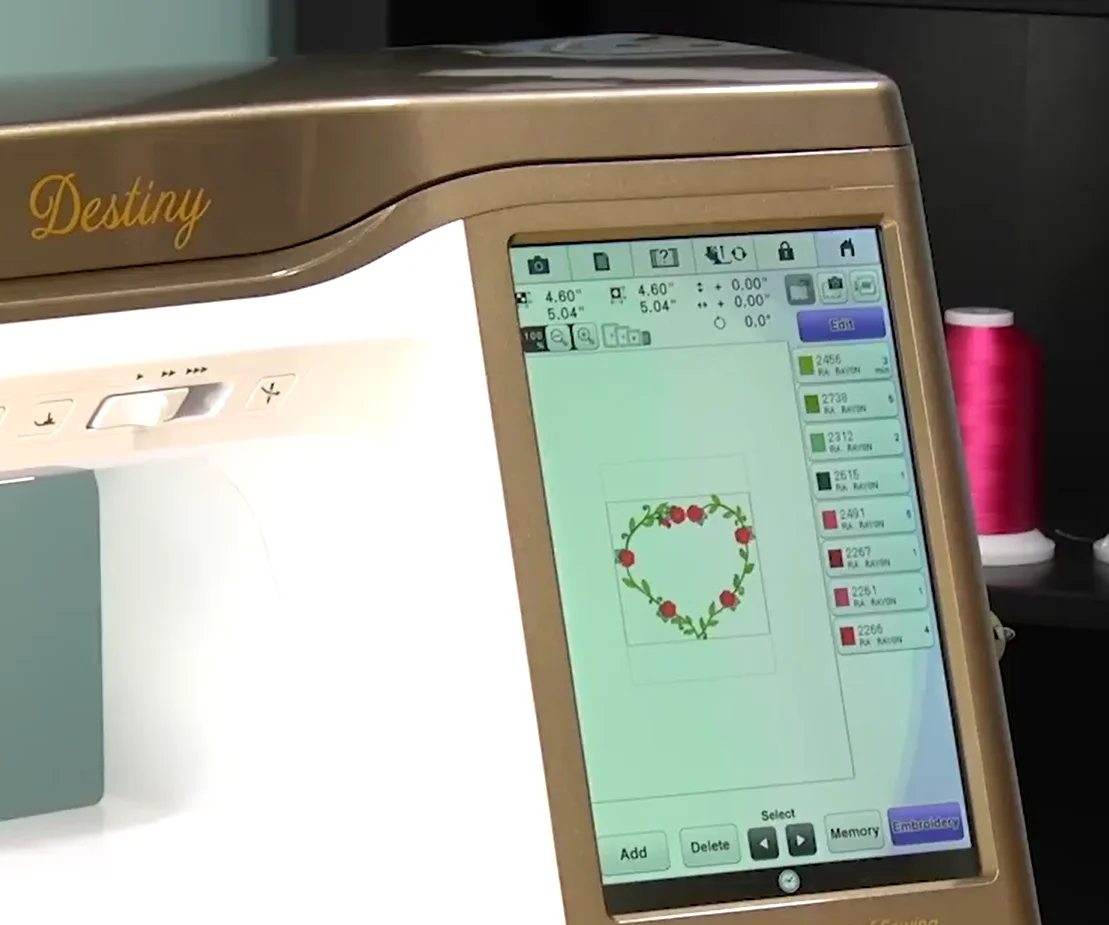
The machine follows a clear process to identify, load, and stitch each command stored in the embroidery file.
1. The Embroidery File Is Transferred to the Machine
The operator sends the file through a USB drive, direct cable, Wi-Fi, network, or built-in memory. Older machines may use memory cards or brand-specific media. Available options depend on the brand and model.
2. The Machine Identifies the File Format
The machine checks the file extension and data structure. Some Brother models read PES, PHC, and DST, while Janome uses JEF as its standard machine-readable format. Always check the manual for the exact model.
3. The Machine Checks the Design Limits
The system may review design size, sewing field, hoop choice, stitch count, color changes, filename, file structure, and storage location. It may hide or reject a design that exceeds a limit.
4. The Design Loads Into Machine Memory
The machine opens stitch coordinates, dimensions, stitch count, color sequence, preview, and hoop details. However, the displayed information depends on the format and machine.
5. The Operator Positions the Design
The operator confirms the hoop and sewing area. They may center, rotate, mirror, or resize the design within the allowed range.
6. Thread Colors Are Assigned
A multi-needle machine links color stops to numbered needles. Meanwhile, a single-needle machine pauses when the operator needs to change thread.
7. The Machine Follows Stitch Coordinates
The controller reads each command in order. The hoop or frame moves along the X and Y axes while the needle moves up and down to form stitches.
8. Special Commands Guide the Machine
Between stitches, commands may direct the machine to jump, stop, trim thread, change color, or end the design.
What Information Is Stored Inside an Embroidery File?
An embroidery file stores the stitch path and control commands needed to sew a design. The exact data varies by format.
| File Information | What It Controls |
|---|---|
| Stitch coordinates | Where the hoop or frame moves |
| Stitch sequence | The order in which areas sew |
| Jump commands | Movement without stitching |
| Color changes | Where a new color section begins |
| Trim or stop commands | Thread cutting or pauses |
| Design dimensions | The total embroidery area |
| End command | Where stitching finishes |
| Color metadata | Thread details when supported |
| Preview data | The on-screen thumbnail when supported |
What May Be Missing?
Machine files do not always retain editable shapes, stitch objects, density settings, or the original design logic. Many store the final stitch result rather than the full construction data. Therefore, keep the native source file for accurate editing and resizing.
Does the Embroidery Machine Know the Correct Thread Colors?
An embroidery machine may not know the exact thread colors because color handling depends on the file format. Some formats can store details such as:
- Thread names
- Color codes
- Brand information
- Planned color order
However, DST files mainly record color-change stops, not exact thread shades. A Brother machine may show these sections using default colors.
Therefore, check the design preview or production worksheet before stitching. Then, assign the correct thread to each color stop.
Why Do Embroidery Machines Use Different File Formats?
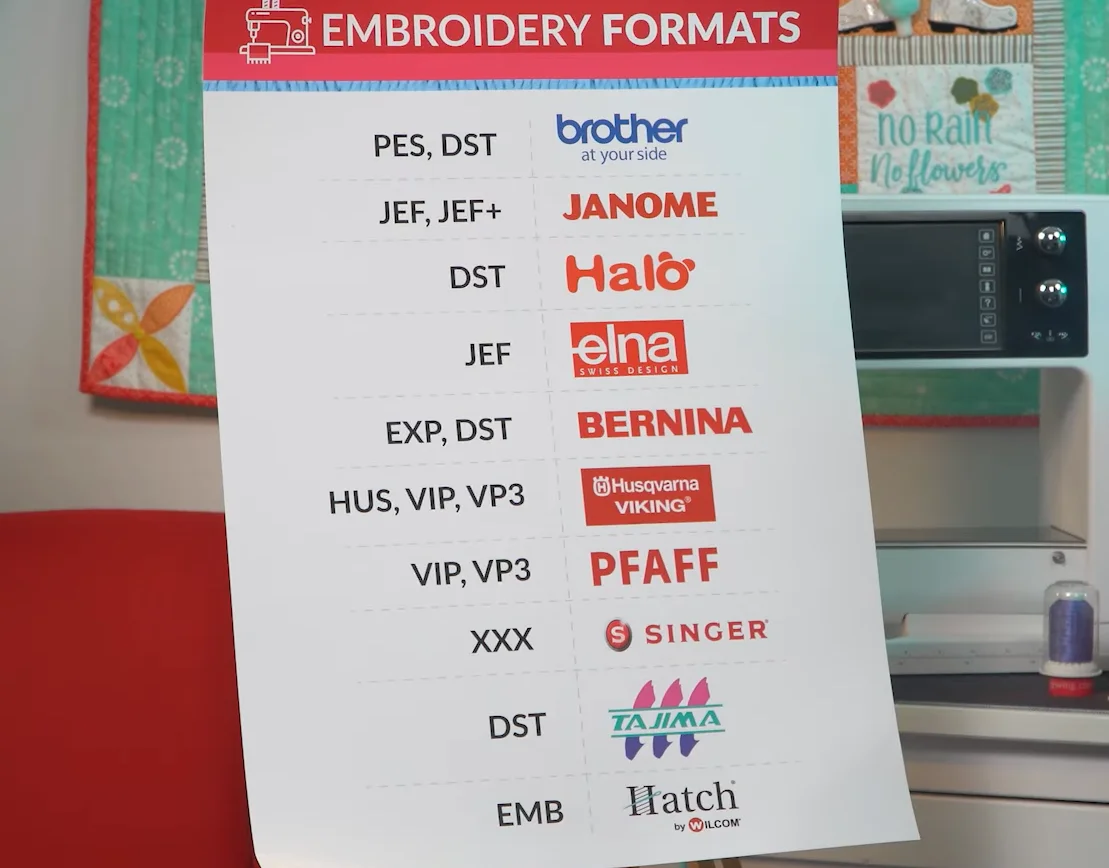
Embroidery brands and machine generations use different file structures because each controller reads stitch data and commands differently. Therefore, a design must match the exact machine. Formats may differ in:
- Stitch coordinate storage
- Color, trim, and stop support
- Hoop and preview details
Common Embroidery File Associations
| Format | Common Association |
|---|---|
| DST | Tajima and many commercial workflows |
| PES | Brother, Baby Lock, and compatible machines |
| JEF | Janome and Elna machines |
| EXP | BERNINA and Melco-related workflows |
| VP3 | Husqvarna Viking and Pfaff |
| HUS | Older Husqvarna Viking systems |
| XXX | Singer-related systems |
Janome names JEF its standard stitch format for Janome and Elna machines. BERNINA software also supports EXP, DST, PES, VP3, HUS, XXX, and others. However, support varies by model and age, so check the manual before exporting.
Why Won’t My Embroidery Machine Read the File?
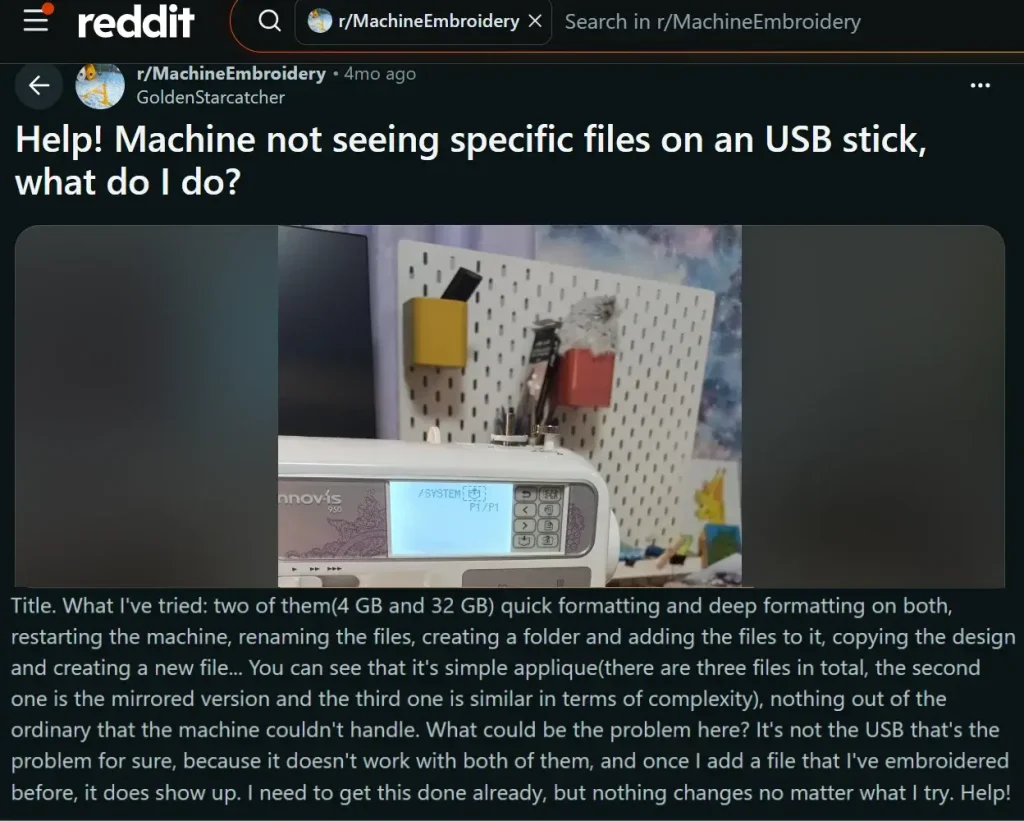
File-reading problems come from compatibility, design size, or USB setup. Check the manual because limits vary by model.
1. Is the File in the Wrong Embroidery Format?
A valid file may still use a format your machine cannot open. Export it in the format listed for your model.
2. Is the Design Larger Than the Machine’s Embroidery Area?
The machine may hide or reject a design that exceeds its sewing field or hoop size.
3. Is the File Still Inside a ZIP Folder?
Embroidery machines cannot read ZIP packages. Extract the folder, then copy the stitch file to the USB drive.
4. Is the File Saved in the Wrong USB Folder?
Some machines read files from the root directory. However, certain Janome models use an EMB folder with an Embf subfolder.
5. Does the Filename Contain Unsupported Characters?
Special characters may stop some machines from displaying a file. Use letters, numbers, hyphens, or underscores.
6. Are There Too Many Files on the USB Drive?
Limits vary. One Brother model allows 200 files and folders combined, so remove unused items.
7. Is the Exported File Corrupted or Incomplete?
Reopen the design in embroidery software and check:
- Stitch simulation
- Design dimensions
- Correct machine format
Then export a fresh copy and test it again.
Why Can a Readable File Still Produce Poor Embroidery?
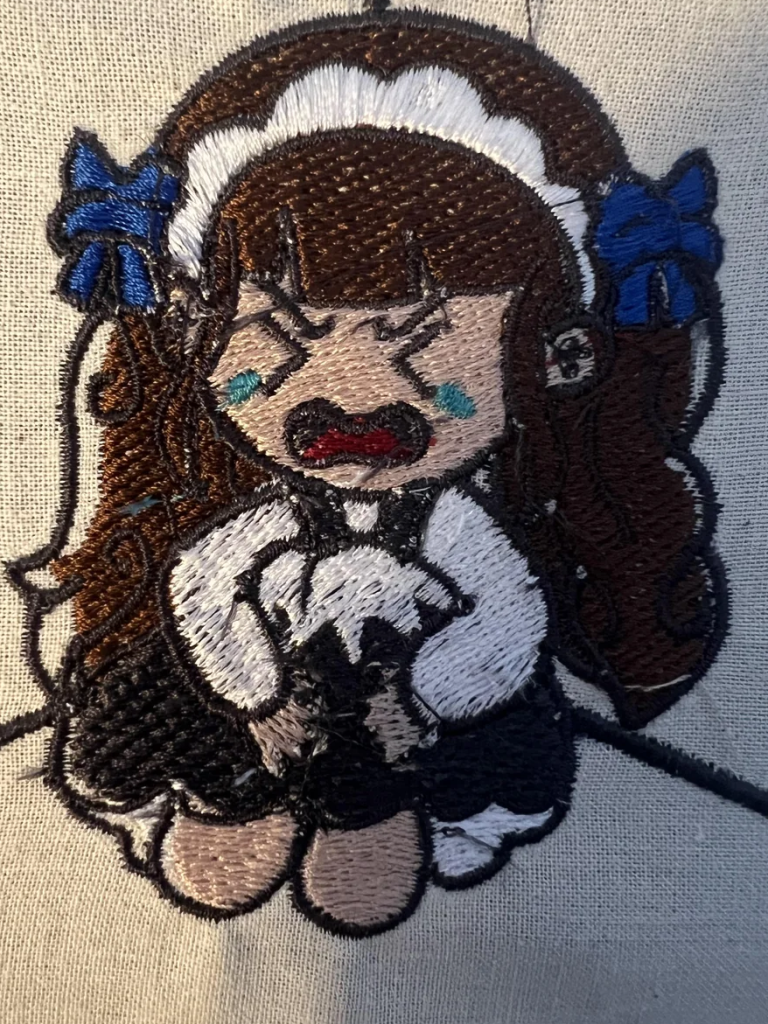
File compatibility does not guarantee good digitizing. A machine may open and stitch a file correctly even when the design contains:
- Excessive stitch density
- Weak or unsuitable underlay
- Long jumps and too many trims
- Poor stitching order
- Weak registration
- Settings that do not suit the fabric
- Too many overlapping stitch layers
These problems can cause puckering, gaps, thread breaks, and needle damage. Overly fine density and several overlapping stitch layers may increase thread or needle breakage. Therefore, professional digitizing helps create a cleaner and more reliable sew-out.
How Can You Prepare a File That the Embroidery Machine Reads Correctly?
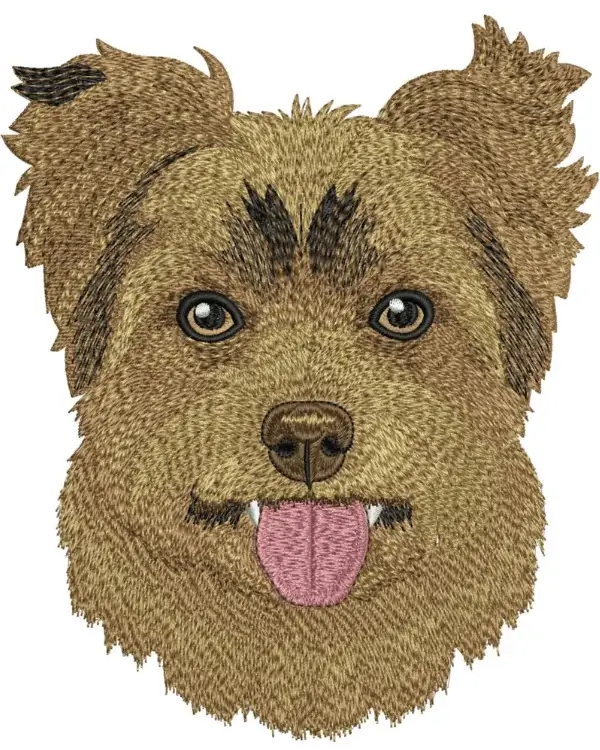
Use this checklist before moving the design to your machine:
- Confirm the machine model and supported format.
- Match the design size to the sewing field and hoop.
- Export from the original editable file.
- Extract files from ZIP folders.
- Follow the correct USB and folder setup.
- Use a simple filename.
- Review the stitch simulation and color order.
- Test the design on similar fabric.
- Keep the source file for later edits.
Use Embroidery Digitizing Software
You can prepare the file yourself with digitizing software. However, professional programs can be costly and take time to learn. You must also understand density, underlay, sequencing, compensation, and fabric behavior.
Outsource Embroidery Digitizing
Hiring an embroidery digitizing service saves time and reduces avoidable file errors. Meanwhile, you can focus on production, customers, and useful work.
Digitizing Buddy can prepare a clean, machine-ready file for smoother stitching and easier production.
Final Thoughts
Embroidery machines read stitch coordinates, color changes, trims, jumps, and other commands stored inside a compatible embroidery file. However, the machine still needs the correct format, hoop size, file setup, and digitizing quality to produce clean results. A readable file can fail when it has poor density, weak underlay, or bad stitching order.
Need a reliable machine-ready design? Contact Digitizing Buddy for professional embroidery digitizing and get a free quote today.
FAQs
No. JPG and PNG files contain pixels, not stitch coordinates or machine commands. The artwork must go through embroidery digitizing and be exported in a format supported by the machine.
The format may be unsupported, the design may exceed the sewing area, or the file may be inside a ZIP folder. Wrong USB folders, special filename characters, and too many stored files can also cause problems.
The correct format depends on the exact machine model and generation. Check the user manual before downloading or exporting a design because machines from the same company may support different file types.
Some formats store detailed thread information, while others mainly mark where color changes happen. Therefore, always check the design preview, color chart, or production worksheet before assigning threads and starting the machine.
You can make limited size changes, but large adjustments may affect density, stitch coverage, underlay, and registration. For major changes, edit the original source design or have it resized properly, then run a test sew-out.