
| Quick Summary |
|---|
Chroma, Hatch, and Ink/Stitch serve different embroidery needs, budgets, and skill levels.
|
Chroma, Hatch, and Ink/Stitch suit different types of embroidery users, so choosing between them can feel confusing. Beginners may want an easier learning path, while small embroidery businesses often need better stitch control, faster workflows, and reliable tools for daily production.
Chroma offers a focused embroidery workspace with native Mac and Windows support. Hatch brings strong manual digitizing tools, guided training, and a mature paid workflow. Meanwhile, Ink/Stitch is free and flexible, but its Inkscape-based setup can take more time to learn.
This comparison will help you weigh the main differences and choose the software that best fits your skill level, budget, computer, and embroidery goals.
However, price should not decide everything. Your skill level, workload, and need for control matter too. If software training takes time away from orders, professional embroidery digitizing support can help keep production moving.
- Quick Answer: Chroma vs Hatch vs Ink/Stitch
- Ricoma Chroma vs Hatch vs Ink/Stitch at a Glance
- What Is the Biggest Difference Between Chroma, Hatch, and Ink/Stitch?
- Is Ink/Stitch Harder to Learn Than Chroma or Hatch?
- Free vs Paid: Is Ink/Stitch Good Enough for Professional Digitizing?
- Which Is Better for Mac Users: Chroma, Hatch, or Ink/Stitch?
- Which Option Gives You More Control Over Stitch Quality?
- What Real Users Complain About Most
- Which Software Should You Choose?
Quick Answer: Chroma vs Hatch vs Ink/Stitch
There is no single winner. The best option depends on your computer, budget, and how much control you want.
Best fit by use
- Choose Chroma for a guided embroidery workspace with native Mac and Windows support.
- Choose Hatch Digitizer 4 for strong manual tools, training, and a perpetual license.
- Choose Ink Stitch for free, cross platform digitizing through Inkscape.
Ricoma Chroma vs Hatch vs Ink/Stitch at a Glance
Each program takes a different approach to digitizing. The table below shows the main differences before we look at them in more detail.
Quick Comparison
| Feature | Ricoma Chroma | Hatch Embroidery 4 | Ink/Stitch |
|---|---|---|---|
| Cost model | Activation fee plus subscription | One-time purchase | Free and open source |
| Full digitizing | Yes, tools vary by plan | Yes, strongest in Digitizer | Yes |
| Auto digitizing | Yes | Composer and Digitizer | Mainly SVG path based workflow |
| Manual stitch control | Yes, tools vary by plan | Full control in Digitizer | Detailed parameter control |
| Windows | Yes | Yes | Yes |
| Native macOS | Yes | No | Yes |
| Linux | No | No | Yes |
| Free trial | 14 days | 30 days | No trial needed |
| Best fit | Beginners and growing businesses | Serious hobbyists and small businesses | Budget and vector focused users |
How Much Does Each Option Cost?
Chroma Inspire starts with a $799 activation fee and then costs $16 per month billed yearly after the first 12 months. Plus starts at $1,799, then $33 per month, while Luxe starts at $2,499, then $41 per month.
Meanwhile, Hatch lists Organizer at $199, Personalizer at $299, Composer at $699, and Digitizer at $1,199 as standard one-time purchases. Composers and digitizers also offer FlexPay. Ink/Stitch has no license fee because it is free, open-source software.
Therefore, compare the long-term cost with the tools you will actually use. Paying more only makes sense when the added features support your embroidery work.
What Is the Biggest Difference Between Chroma, Hatch, and Ink/Stitch?
The biggest difference is how each program handles design creation and stitch control. Hatch and Chroma are dedicated commercial embroidery programs, while Ink/Stitch works inside Inkscape.
Chroma
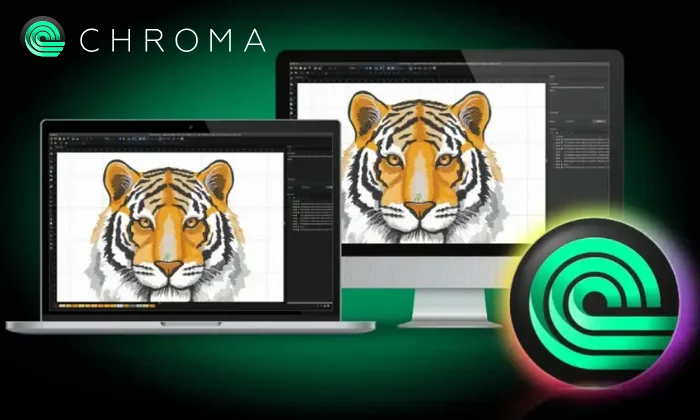
Chroma comes in Inspire, Plus, and Luxe levels. Higher plans unlock more advanced tools.
Key features include:
- Auto digitizing and lettering
- Appliqué and color blending
- Split designs and complex fills
- Design analysis and 3D previews
Hatch
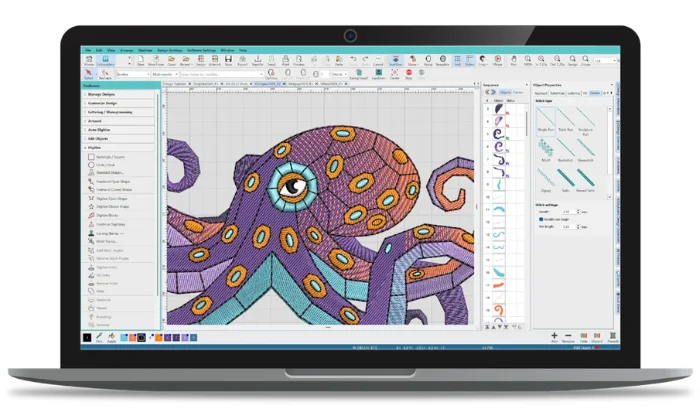
Hatch 4 uses several feature levels. Composer supports design creation and auto digitizing, while Digitizer adds full manual control.
Useful tools include:
- Manual stitch creation
- Appliqué controls
- Connector and trim settings
- Multi-blend color effects
Ink/Stitch
Meanwhile, Ink/Stitch adds embroidery tools to the free Inkscape vector editor.
It supports:
- Running stitches and satin columns
- Fill stitches and underlay
- Lettering and stitch routing
- Stitch simulation and SVG based editing
Therefore, the best workflow depends on how much automation, control, and design flexibility you need.
Is Ink/Stitch Harder to Learn Than Chroma or Hatch?
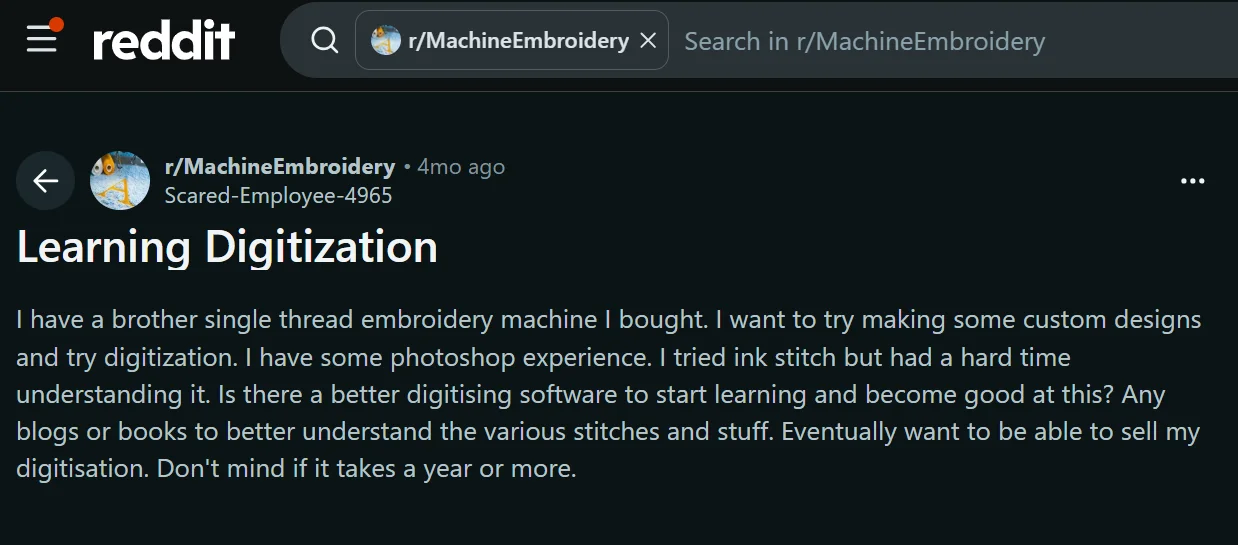
Ink/Stitch can feel harder at first because it combines Inkscape vector editing with embroidery settings. Its workflow asks users to prepare SVG paths, set stitch parameters, preview the result, and export a machine file.
Why the Learning Curve Feels Different
- Ink/Stitch places many embroidery controls inside Inkscape menus and parameter windows.
- Hatch gives beginners a more embroidery-focused workspace plus structured training.
- Chroma also provides tutorials, instructor-led classes, and technical support.
However, harder does not mean unsuitable for beginners. Some users enjoy Ink/Stitch once they understand paths, fills, satin columns, and stitch settings. From our experience, Hatch often feels faster and easier to navigate for beginners.
Free vs Paid: Is Ink/Stitch Good Enough for Professional Digitizing?
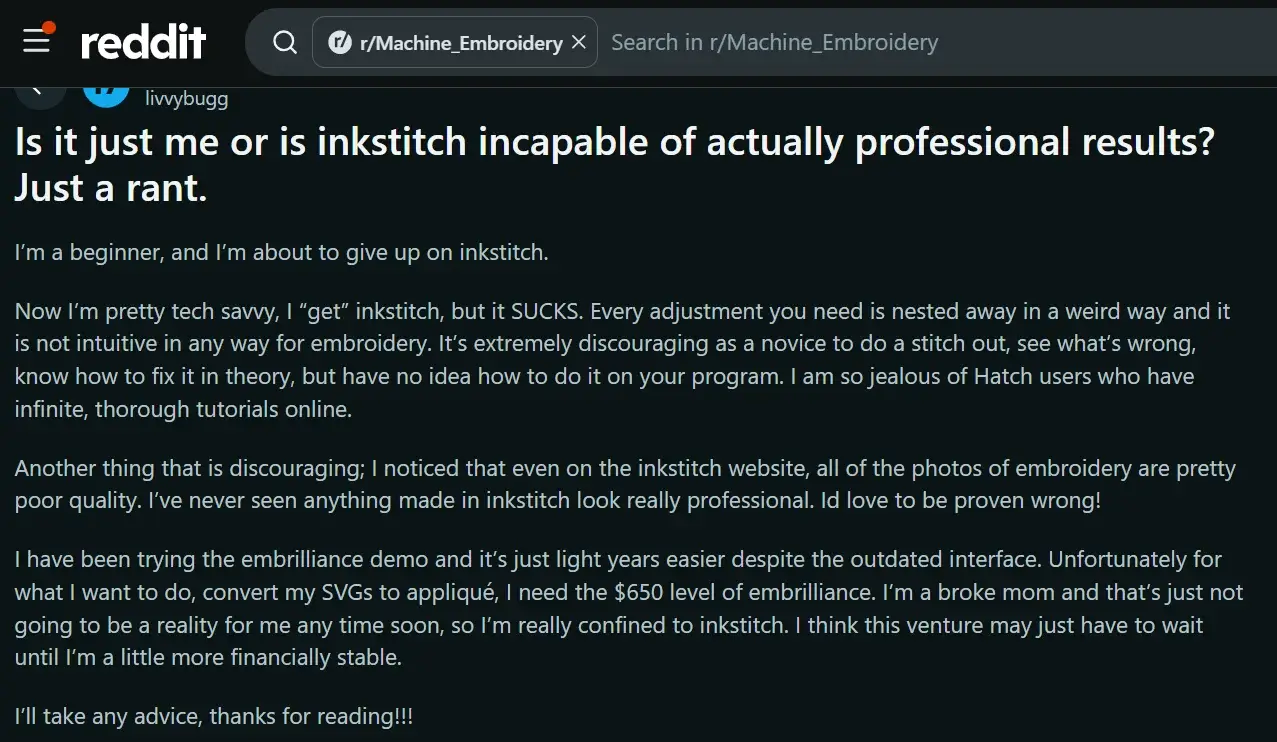
One beginner on Reddit described understanding what needed fixing after a stitch-out but struggling to find the right controls inside Ink/Stitch. They also felt paid programs offered a clearer workflow and stronger learning support.
Ink/Stitch is free and useful for learning, simple designs, and basic stitch editing. However, it can feel limiting for professional production work, especially when speed, consistency, and easier control matter.
Where Users Run Into Problems
Common concerns include:
- Important settings can feel buried inside Inkscape
- Fixing stitch issues may take longer
- The workflow is less embroidery focused
- Beginner tutorials feel harder to follow
- Complex appliqué and production edits can become frustrating
Therefore, Ink/Stitch can work for hobby use, but paid software is often a better fit for regular professional digitizing and production demands.
Which Is Better for Mac Users: Chroma, Hatch, or Ink/Stitch?
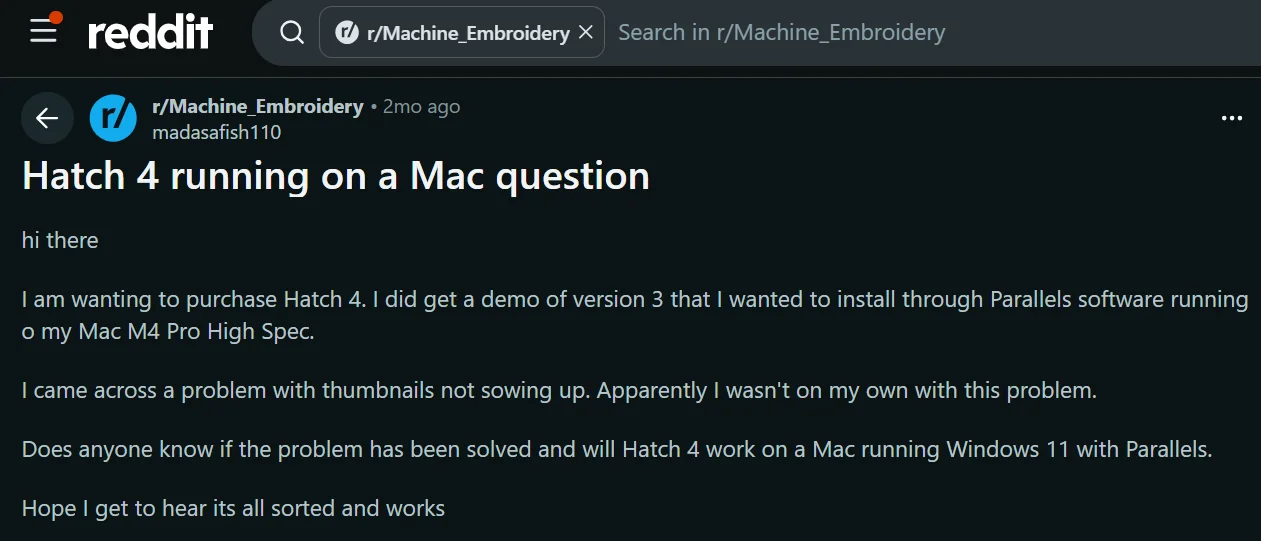
For Mac users, Chroma and Ink/Stitch offer the easiest setup because both run directly on macOS. Hatch 4 does not run natively on a Mac.
Mac Compatibility at a Glance
- Chroma supports macOS 12 and later, along with Windows.
- Ink/Stitch works on macOS, Windows, and Linux through Inkscape.
- Hatch 4 is built for Windows and needs Windows 11 ARM plus Parallels on Apple Silicon Macs.
However, Hatch recommends at least 32 GB of RAM for this setup. Its free trial also does not work through Parallels. Therefore, Chroma or Ink/Stitch may be more practical if you want a native Mac workflow.
Which Option Gives You More Control Over Stitch Quality?
Software gives you tools, but stitch quality still depends on the digitizer. You must choose settings that match the artwork, fabric, and final size.
Key Controls Include
- Stitch type and density
- Underlay and stitch direction
- Sequence and push-pull compensation
- Trims, jumps, and small lettering
Ink/Stitch offers detailed stitch parameters and routing tools. Hatch Digitizer provides full manual embroidery digitizing plus connector and trim controls. Chroma adds more advanced stitch editing and design analysis in higher tiers.
However, no program can replace understanding how stitches react to fabric. Good software can speed up the work. For production-ready files, Digitizing Buddy can handle the technical stitch planning for you.
What Real Users Complain About Most
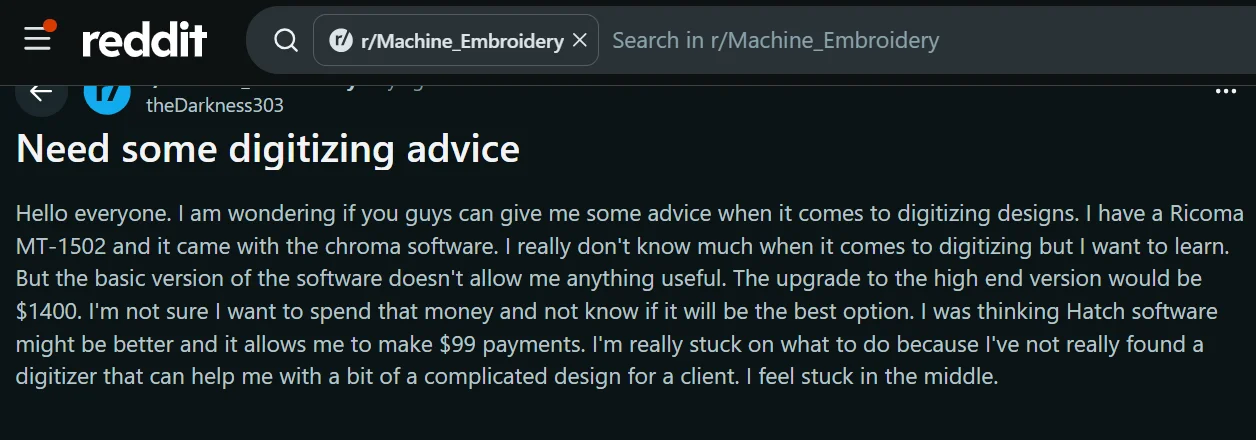
Community discussions show that cost, computer compatibility, and workflow matter as much as features.
Chroma Gets Expensive When I Need More Features
Some users say the lower Chroma level does not include every tool they need. Moving to higher tiers raises the cost, and new U.S. plans continue with a subscription after the first year.
Do I Need Windows Just to Use Hatch?
Mac users often raise this concern. Hatch does not run natively on macOS. Apple silicon users can use Windows 11 ARM through Parallels, but that adds extra software and setup.
Ink/Stitch Is Free, So What Am I Giving Up?
Users usually point to workflow rather than basic stitch capability. Common concerns include:
- Embroidery controls can feel buried inside Inkscape
- Some edits take longer to complete
- The learning curve can slow production
Therefore, the real trade-off is often time, convenience, and support.
Which Software Should You Choose?
The best choice depends on your computer, budget, and how much time you want to spend learning the software.
Choose Chroma If
- You use Mac or Windows
- You want a dedicated embroidery workspace
- You prefer auto tools, training, and built-in support
- You are comfortable with its subscription model
Pick Hatch If
- You use Windows
- You want strong manual digitizing tools
- You value a large training library
- You plan to handle more detailed production work
Select Ink/Stitch If
- You want free software
- You use Mac, Windows, or Linux
- You are comfortable with vector paths
- You do not mind a steeper learning curve
Therefore, choose based on workflow needs, not price alone.
Why Hiring a Professional Embroidery Digitizing Service Is a Smarter Choice
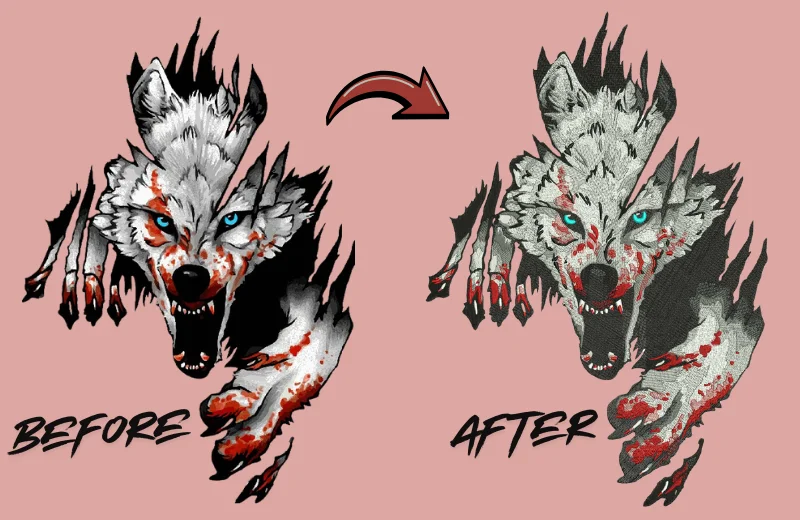
Buying software does not automatically make digitizing fast or production ready. You still need to understand stitch type, density, underlay, sequencing, pull compensation, trims, fabric behavior, and design size.
When Outsourcing Makes More Sense
Professional help is useful when:
- Your logo has small text or fine details
- You stitch caps, jackets, patches, or difficult fabrics
- You need reliable files for regular production
- You digitize only occasionally
- You need quick revisions or several machine formats
In addition, outsourcing saves the cost of advanced software and the time needed to learn it. Instead, you can focus on production and customers.
Digitizing Buddy can handle the stitch planning while you keep your workflow moving.
Final Verdict
Chroma, Hatch, and Ink/Stitch each suit different needs. Chroma offers a guided embroidery workspace, Hatch provides strong manual control and training, while Ink/Stitch gives budget users a free way to start.
However, software cost is only part of the decision. Learning time, stitch knowledge, computer support, and production needs matter just as much.
If you want to save time and avoid the learning curve, Digitizing Buddy can create clean, production-ready embroidery files for your designs. Contact us today and get a free quote for your next project.
Frequently Asked Questions
Hatch is often better for users who want strong manual digitizing tools, detailed stitch control, and a large training library. Chroma may suit users who prefer a guided embroidery workspace and native support for both Mac and Windows.
Ink/Stitch can handle basic and detailed stitch creation, but its Inkscape-based workflow may feel slower for regular production work. Professional digitizers often prefer paid software for easier editing, faster workflows, technical support, and advanced production tools.
Chroma and Hatch are generally easier for beginners because both provide embroidery-focused interfaces, tutorials, and training resources. Ink/Stitch is free, but users may need more time to understand SVG paths, embroidery parameters, and its Inkscape-based workflow.
Chroma and Ink/Stitch run natively on macOS. Hatch 4 does not run directly on Mac. Apple silicon users can run Hatch through Windows 11 ARM and Parallels, but this requires extra software, hardware resources, and setup.
It can be, especially if you digitize only occasionally. Paid software can cost hundreds or thousands of dollars, while learning professional digitizing also takes time. Outsourcing lets you pay per design and focus on embroidery production instead of software training.