
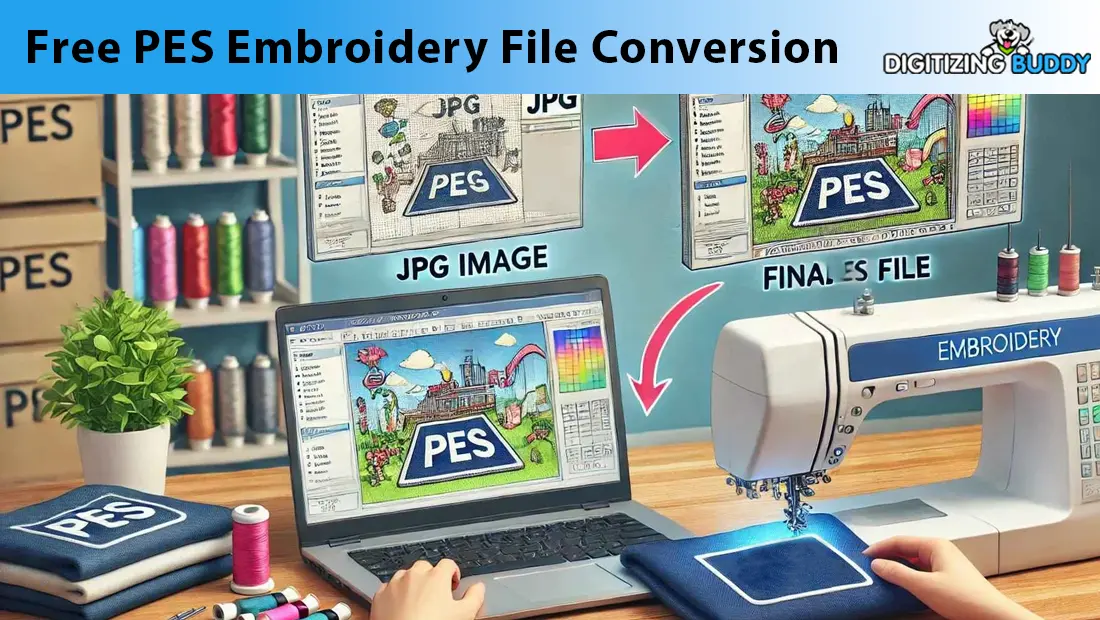
Everyone loves free tools, especially when it comes to embroidery file conversion. If you have ever searched for a free PES converter online, you have probably come across dozens of options promising quick and easy results. For small business owners or hobbyists on a tight budget, the idea of converting your design to PES format without spending any money sounds almost too good to pass up.
But here is the real question. Are these free PES converters truly free when you consider the time, frustration, and quality compromises involved? Most of these tools rely on automatic digitizing features that oversimplify complex embroidery logic, often leading to messy stitch-outs, wasted fabric, and disappointed customers. Even the more advanced free software requires hours of learning and trial and error before you can produce acceptable results.
In this blog, we will explore the hidden costs of relying on free PES embroidery file conversion tools. We will also explain why auto digitizing rarely delivers professional results and how hiring a skilled digitizing service can save you time, money, and stress—especially if you are running a business.
What is PES Embroidery File Conversion?
Understanding the PES Format
PES is a specific embroidery file format used mainly by Brother embroidery machines. This format contains all the instructions needed for stitching a design, such as the stitch type, direction, color changes, and sewing order. Without a properly formatted PES file, even the best artwork cannot be stitched correctly by the machine.
What File Conversion Really Means
When people talk about converting files to PES, they usually mean turning common image formats like JPG, PNG, BMP, or SVG into a machine-readable PES file. However, this is not a simple one-click process. It involves more than just file conversion, it requires embroidery digitizing, which means turning an image into a precise map of stitches.
Why Proper Digitizing is Essential
Basic file conversion does not consider embroidery elements like stitch density, underlay, pull compensation, or fabric type. These are crucial for clean, high-quality embroidery. Without proper digitizing, the PES file may look fine on screen but will result in poor-quality output with thread breaks, misalignments, and a lack of detail. A true PES file conversion must be done by someone who understands the technical side of embroidery, not just how to click “convert.”


The Learning Curve: Time is Money
Not as Simple as It Looks
Free PES conversion tools might seem like a cost-saving solution, but they often come with a steep learning curve. These programs require users to understand complex settings such as stitch types, layering, and path direction. Even navigating the interface or figuring out how to export a usable file can take time and patience.
Hours of Tutorials, Still Poor Results
Many beginners quickly discover that using these tools effectively isn’t as easy as they thought. They end up spending countless hours watching tutorial videos, joining online forums, or trial-and-error testing—only to end up with PES files that still don’t stitch properly. The frustration of poor results can be discouraging, especially when garments or materials are wasted in the process.
When “Free” Costs You More

In the end, what seems like a free solution can cost more than you expect. The time lost, the materials wasted, and the delays caused by subpar files add up quickly. For most professionals, investing in expert help is often more efficient—and more profitable—than trying to master unstable free software.
Auto-Digitizing: Why It Rarely Works

The Temptation of One-Click Conversion
Auto-digitizing is often the most attractive option for beginners. The idea is simple—upload a JPG or PNG image, click a button, and get a PES embroidery file in seconds. No need to learn complex software, no need to hire a professional. But in reality, auto-digitizing is the least reliable method of creating quality embroidery files.
No Artistic Judgment, Just Guesswork
Auto-digitizing tools use algorithms, not experience. They don’t understand how fabric behaves under a needle. They don’t apply pull compensation to prevent distortion. They don’t know how to set the right underlay or adjust stitch density for different garments. Stitch direction is often guessed, leading to uneven fill areas, misaligned outlines, and weak structure.
Real-World Consequences
The result? Thread breaks, jagged edges, excessive bulk, or gaps in the design. Machines may halt mid-stitch or the final piece may look completely different from what was on screen. For users, it’s a frustrating experience, especially when working on high-quality garments or time-sensitive orders.
Manual Digitizing Makes All the Difference
For example, take a company logo in JPG format. If it’s run through an auto-digitizing tool, the output may look patchy, unbalanced, and hard to stitch. But when a professional digitizer handles the same logo, they manually set stitch paths, densities, and underlays to ensure clean lines, proper texture, and a polished finish. The difference in the final embroidery is night and day.
Free Tools Can Cost You More
Why Choose Digitizing Buddy?
Digitizing Buddy delivers high-quality PES files manually crafted by expert digitizers. Prices start at just $10 with same-day delivery. Need it faster? Use our rush service for delivery in as little as 2 hours.
We offer 24/7 live chat support, unlimited revisions, and consistent results trusted by businesses worldwide. With Digitizing Buddy, you get fast, reliable, professional embroidery files—every time.
Conclusion
Free PES converters often lead to poor quality and wasted time. For reliable, professional results, trust the experts at Digitizing Buddy.
Upload your artwork now at Digitizingbuddy.com and get a free quote today!