
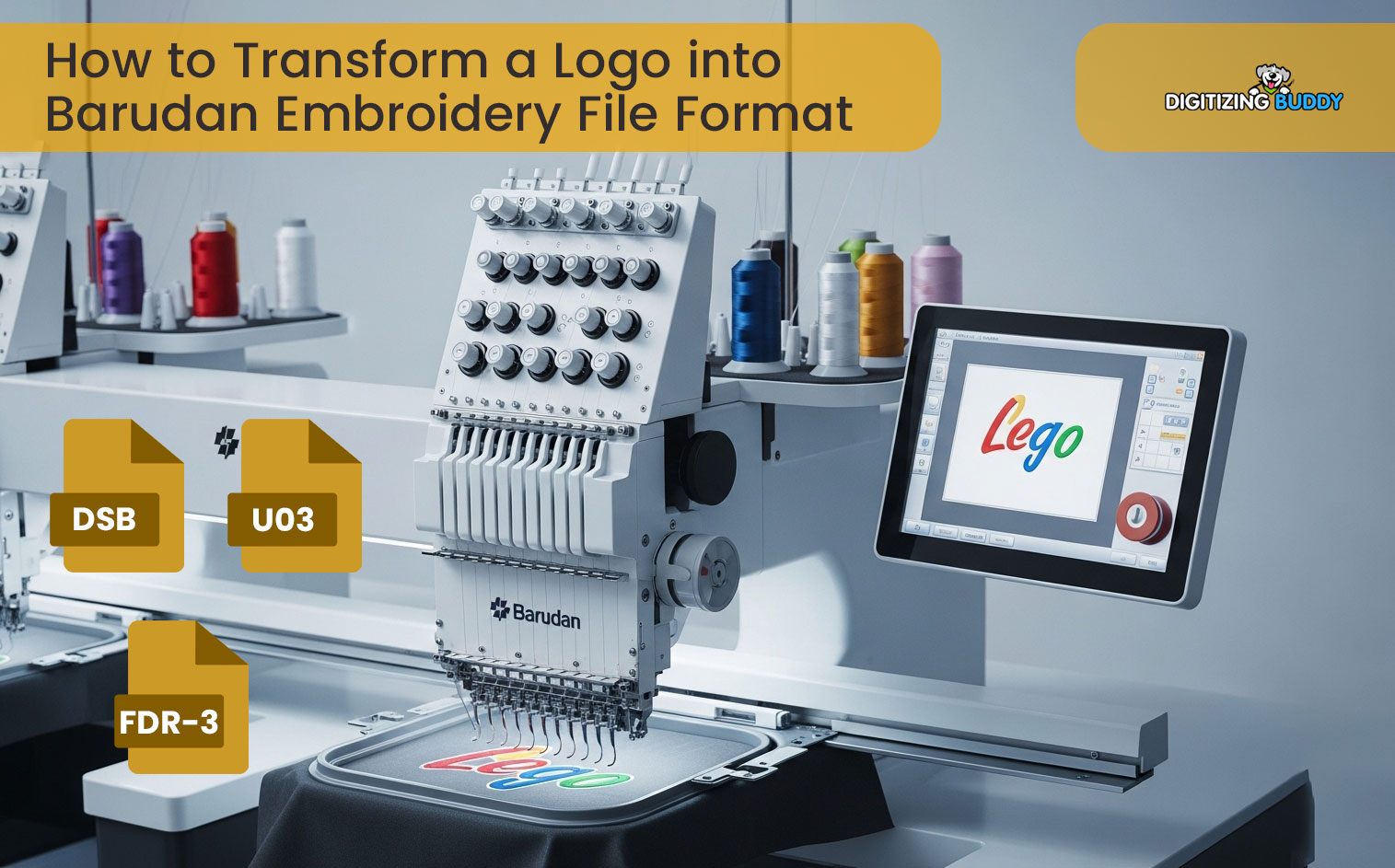
You can’t stitch a logo saved as JPG, PNG, AI, or PDF directly on a Barudan embroidery machine. Barudan machines need stitch-based embroidery files. These files tell the machine where to stitch, when to trim, and when to change colors. In modern Barudan workflows, DSB and U03 matter most. Use DST mainly for compatibility with other machines. Many people think this is a quick file conversion. It’s not. You digitize the logo and plan how it will sew on fabric.
In this guide, you’ll learn the key Barudan file formats and how they evolved from older systems. You’ll also learn how to choose the right format and prepare a clean, production-ready file. You’ll avoid common issues like thread breaks, distortion, and wasted garments. If you want to cut the learning curve, hire a professional digitizing service. It saves time and reduces costly stitch-outs.
What Does “Barudan Embroidery File Format” Actually Mean?
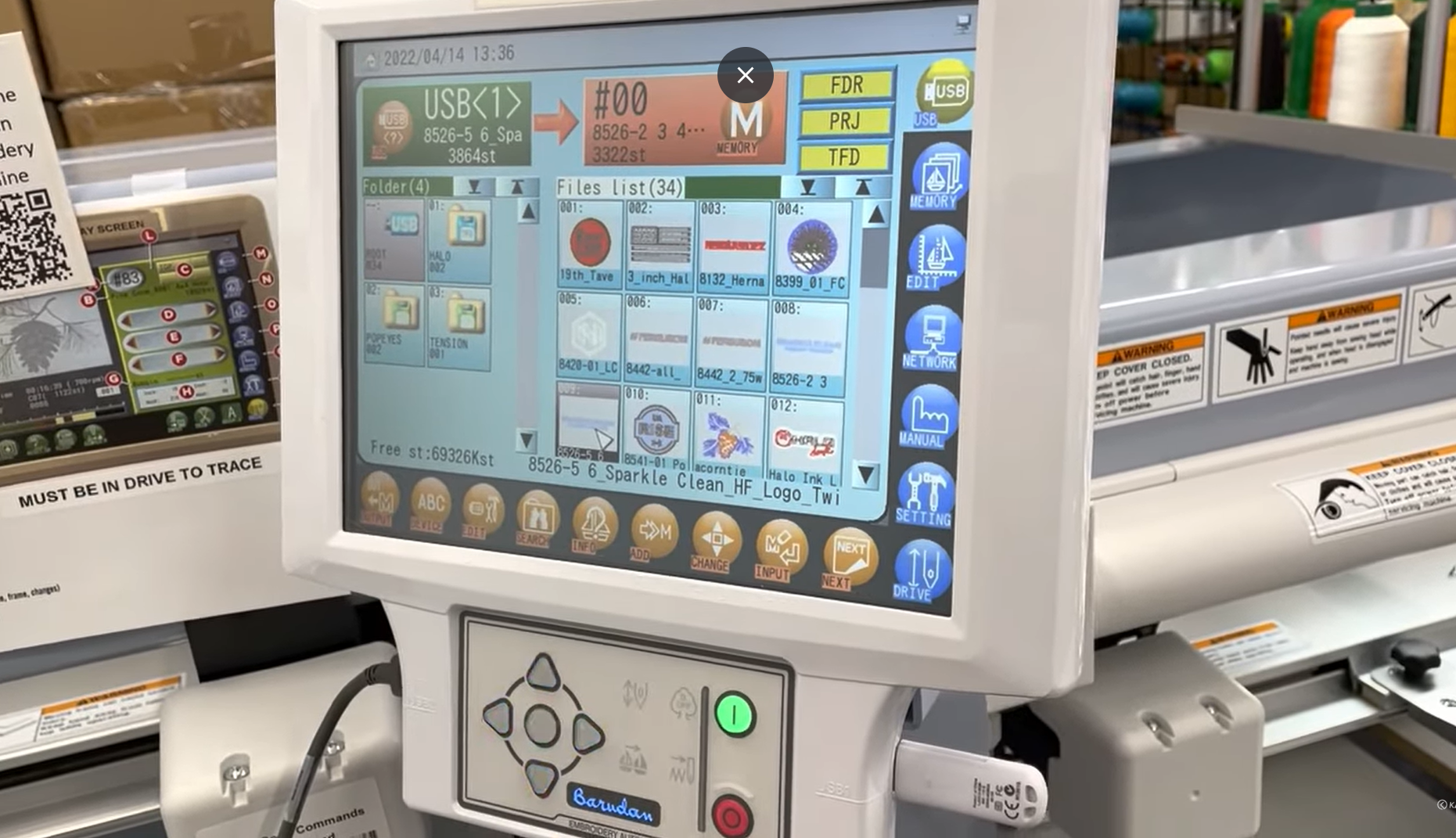
Image files vs embroidery stitch files
A Barudan embroidery file is not a picture. It is a stitch plan. Image files like JPG, PNG, AI, or PDF only store how a logo looks on a screen. They do not tell the machine how to sew it. That is why a Barudan machine cannot use an image file as-is.
What a Barudan embroidery file must include
A real embroidery file carries machine instructions, such as:
-
Stitch coordinates that guide needle movement across the fabric
-
Color change commands that tell the machine when to switch thread colors
-
Trims, jumps, and stops that control clean travel between sections and reduce loose threads
Why the machine cannot “read” images
A Barudan machine reads stitches, not pixels. It needs a sequence of movements and commands to run the design. An image has none of that information, so you must digitize the logo to create a usable Barudan embroidery file format.
Modern Barudan File Formats You Should Use Today
Comparison with Other Barudan Formats
| Format | Typical Use | Strengths | Limitations |
|---|---|---|---|
| U03 (FDR-3) | Modern Barudan machines | Accurate stitch data, reliable previews | Proprietary, less universal compatibility |
| T03 | Older Barudan systems | Stable, widely supported | Limited preview features |
| DSB | Universal stitch format | Broad compatibility across brands | Less precise than U03 for Barudan machines |
| DST (Tajima) | Industry standard | Works across many brands | May lose Barudan-specific features |
DSB (Design Stitch Barudan)
DSB is a machine-focused embroidery file format developed specifically for Barudan systems. It is built to communicate efficiently with Barudan machines during production, making it a reliable choice for multi-color designs and repeat jobs. DSB files handle color changes and stitch sequencing in a way that aligns well with Barudan control logic, which helps operators avoid confusion at the machine. Because the file structure matches Barudan’s workflow, designs usually load faster and require fewer manual adjustments before stitching. For shops that run Barudan machines daily, DSB often feels more predictable and production-friendly than generic formats.
U03 (FDR-3 format)
U03 is commonly used on newer Barudan machines with modern control systems. This format delivers highly accurate stitch data and offers dependable on-screen previews, which makes it easier to verify a design before running it on fabric. U03 is widely used in professional digitizing workflows, especially when precision and consistency matter. It supports detailed stitch planning and works well for designs that need clean registration and smooth transitions.
When to choose DSB vs U03
Choose DSB when you want a straightforward, machine-optimized file for smooth production. Choose U03 when you need higher precision, better previews, or you are working with newer Barudan models and professional digitizing software.
Where DST Fits in Barudan Workflows (and Its Limitations)
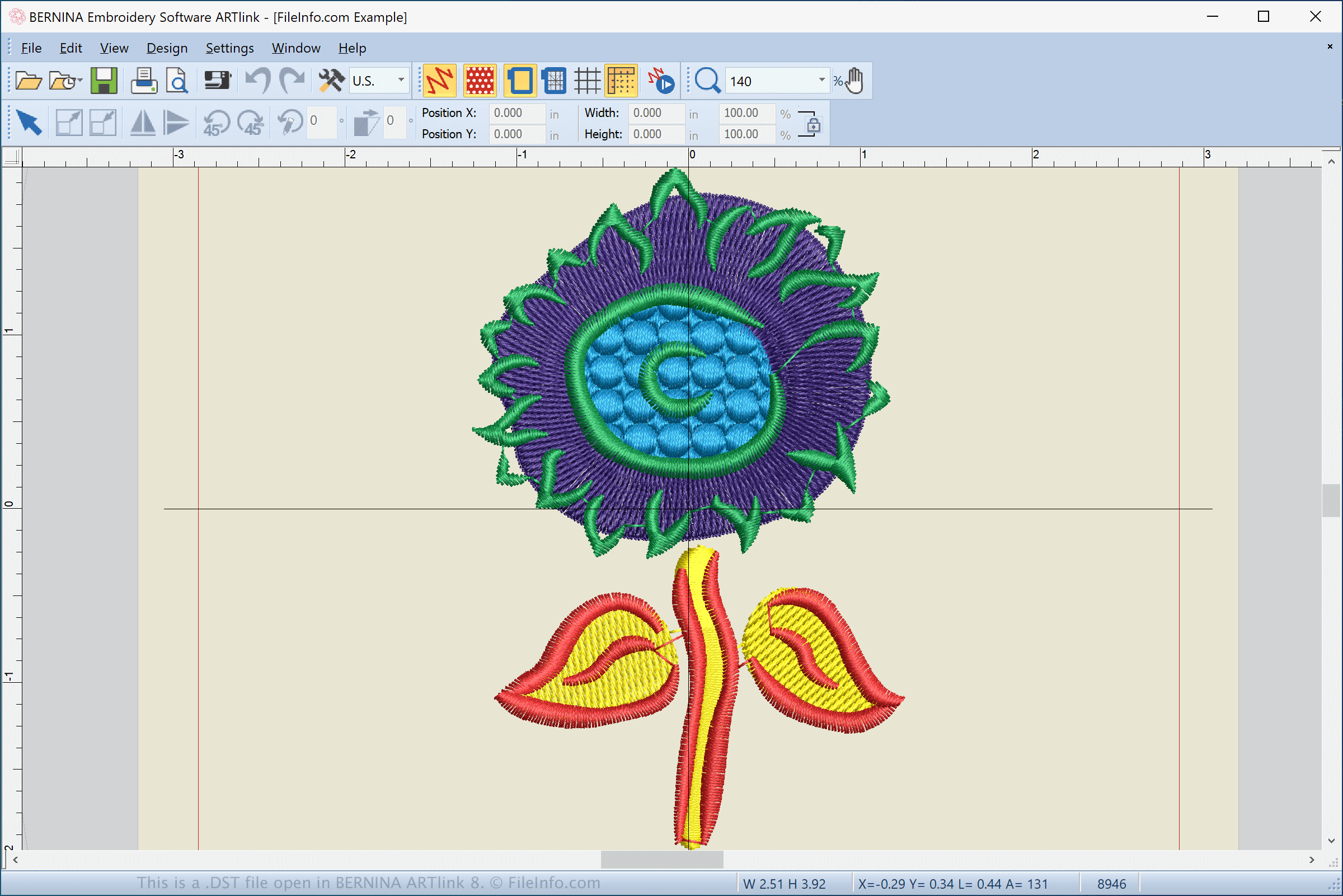
DST as a cross-brand embroidery format
DST is one of the most widely accepted embroidery file formats in the industry. Many different embroidery machine brands support it, which makes DST useful when files need to move between shops or production environments. It works well as a universal format, especially when the final machine brand is unknown.
Why DST is still used
Shops often use DST to share designs across different machine brands. It also remains common in legacy workflows, where older designs were originally digitized and stored in DST. In mixed-machine setups, DST provides a simple way to keep designs compatible without creating multiple brand-specific files.
The main limitation of DST
DST does not include embedded color information. The file only contains stitch movements, not thread colors. As a result, operators must manually assign colors on the machine, which adds setup time and increases the chance of errors.
Why DST is not ideal for Barudan-only production
If you run only Barudan machines, DST should not be your first choice. Barudan-specific formats like DSB or U03 streamline color handling and machine setup, making production faster and more reliable.
Software That Can Output Barudan Embroidery File Formats

Use professional digitizing software
To transform artwork into a Barudan-ready file, you need embroidery digitizing software, not graphic design tools. Programs like Wilcom EmbroideryStudio, Barudan TES Suite, and Wilcom TrueSizer / Workspace help you build stitch paths, set stitch types, and export machine formats such as DSB, U03, and DST. These tools let you control the details that matter in production, like underlay, density, sequencing, and trims.
Set export settings correctly for Barudan machines
After you digitize the design, export settings still decide whether the file runs smoothly. Confirm the hoop size, design origin, stitch limits, and the correct target format (DSB or U03 for Barudan production, DST mainly for sharing). One wrong setting can cause misalignment, missing stitches, or unexpected stops at the machine.
Don’t confuse export with quality
Exporting a file as DSB, U03, or DST will not improve bad digitizing. If the stitch logic is weak, the machine will stitch those problems perfectly, regardless of format.
Common Mistakes When Converting Logos for Barudan Machines

Trusting auto-conversion tools
Auto tools guess stitches instead of planning them. They create messy paths, extra trims, and unstable designs.
Pushing density too high
Too many stitches make the design stiff. You trigger puckering, thread breaks, and needle stress. Set balanced density for clean coverage.
Choosing the wrong stitch direction
Wrong angles pull the fabric and warp shapes. This hits small text and borders the hardest. Plan stitch direction to hold the logo’s shape.
Using DST when color accuracy matters
DST does not carry color information. The operator must assign colors manually, which invites mistakes. Use Barudan formats when color workflow matters.
Skipping test stitch-outs
Run a quick test on scrap fabric. You catch spacing, trims, and distortion before you waste real garments.
When Hiring a Professional Digitizing Service Makes Sense
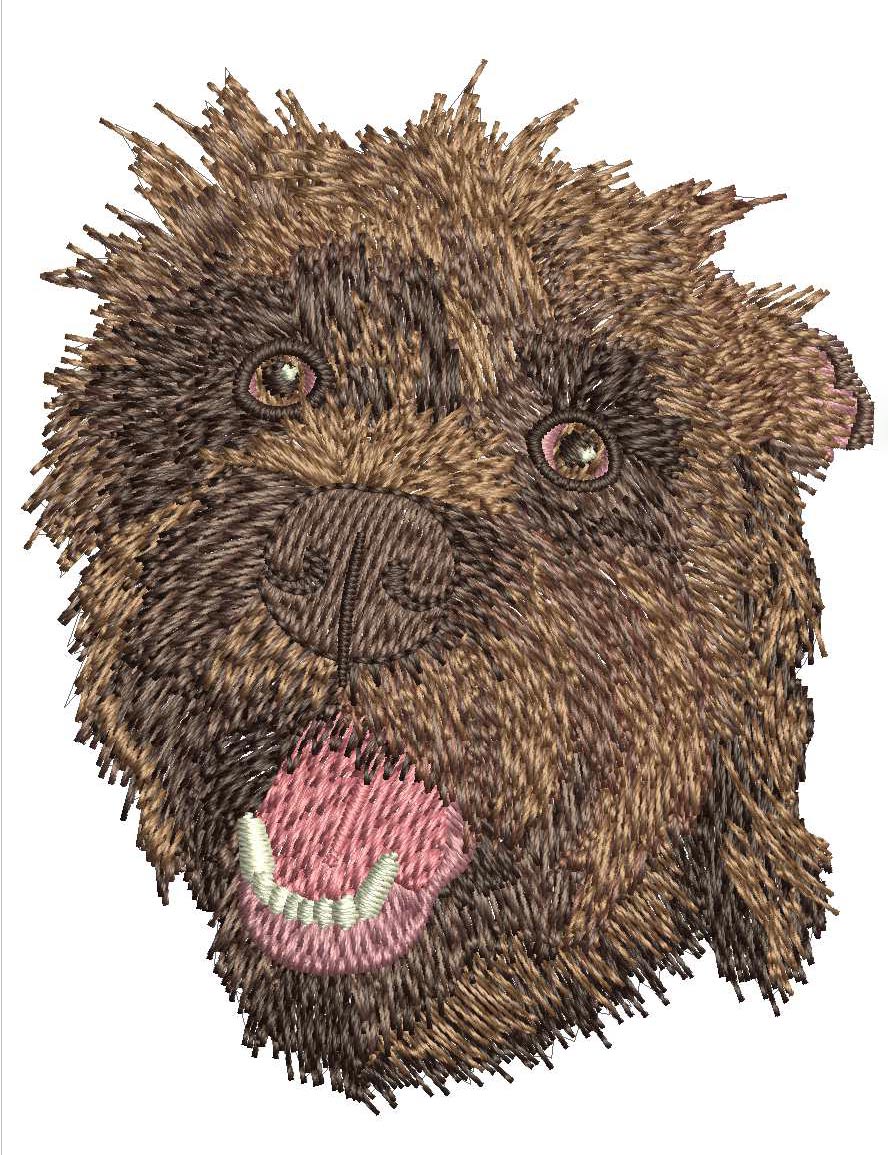
Some logos push beyond basic digitizing. Complex artwork, fine details, and small left-chest designs demand tight stitch control and careful planning. In these cases, trial-and-error quickly becomes expensive. The same applies to high-volume or deadline-driven production, where one flawed file can waste dozens of garments and stall a full run.
Professional digitizing often costs less than fixing repeated mistakes. Poor stitch direction, bad density, or weak underlay may not show up on screen, but they surface fast on fabric. Each failed stitch-out adds lost time, thread, and material.
Experienced digitizers understand how Barudan machines behave. They optimize stitch flow, trims, and color sequencing so designs run smoothly on the machine. The result is a cleaner, more reliable Barudan embroidery file that reduces setup time and production risk without unnecessary rework.
Final Checklist and Conclusion
Choose the correct Barudan embroidery file format before you start. Use DSB or U03 for Barudan production, and rely on DST only when compatibility is required. Remember that transforming a logo is not a simple file conversion. It is a digitizing process that defines how the design will stitch on fabric. Always run a test stitch-out before full production to catch issues early. One small test can prevent wasted garments and downtime.
If you want the fastest, lowest-risk path to a production-ready file, hiring a professional digitizing service is usually the better choice. A skilled digitizer can deliver a clean Barudan-ready file that runs smoothly, saves setup time, and reduces costly stitch-outs.
Get your Barudan File format converted today by visiting us at Digitizing Buddy.